Do you really need a Google Maps API key for your store locator?
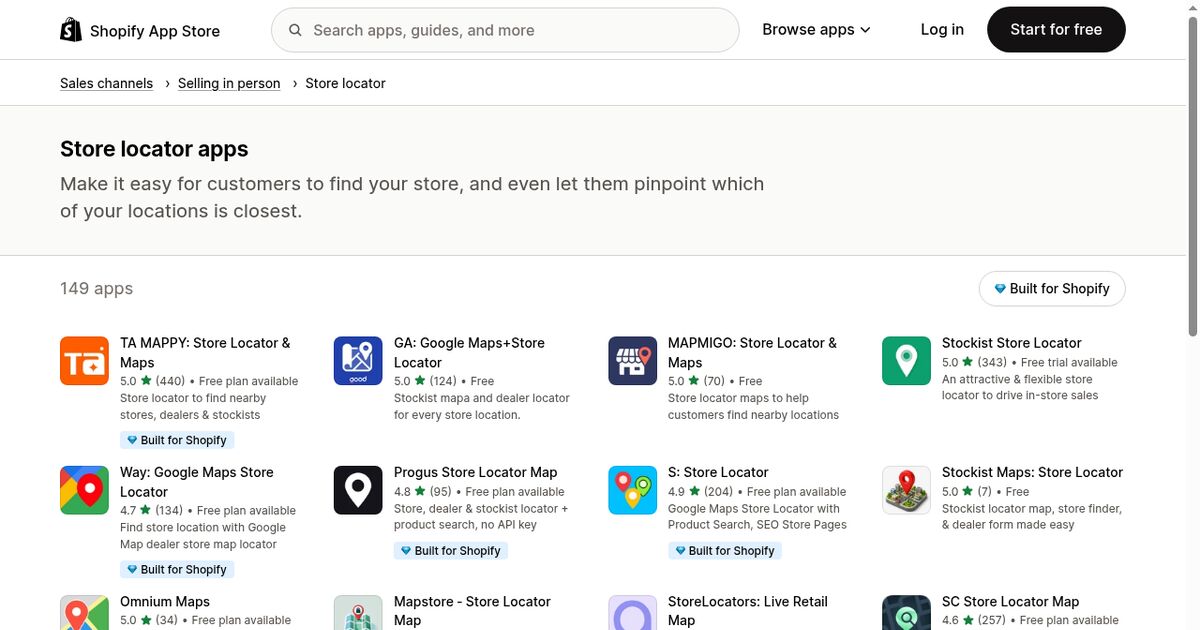
Most Shopify locator apps ask for a Google Maps API key, a billing account and a quota you have to watch. Here is what that setup actually involves, what it costs, and when an OpenStreetMap locator does the same job without any of it.
Open the setup guide of almost any Shopify store locator app and step one is the same: "Create a Google Maps API key". It is presented as a formality. It is not one, and it is worth understanding what you are signing up for before you do it.
What creating an API key actually involves
The full sequence, for a merchant who has never used Google Cloud:
- Create a Google Cloud project.
- Enable the Maps JavaScript API, and usually the Places API and the Geocoding API as well, since search and address lookup are separate products.
- Create a billing account and attach a payment card. Nothing renders without it, even inside the free allowance.
- Generate an API key.
- Restrict that key to your own domain, so it cannot be used elsewhere.
- Paste the key into the app.
- Optionally set a budget alert, so a traffic spike does not surprise you.
None of these steps are hard on their own. Together they are an afternoon of cloud console for something the customer will never see, and they add a permanent dependency: if the billing card expires, your map stops working.
How the billing works
Google Maps Platform runs on a credit model. Each billing account gets a recurring monthly credit that covers a certain volume of map loads, and anything past it is billed per thousand loads. Dynamic map loads, address autocomplete and geocoding requests are metered separately.
Two practical consequences:
- Your map cost scales with your traffic. A page that gets more popular costs more to display, which is an odd incentive for a page whose whole purpose is to be visited.
- Bots count. Crawlers and scrapers that hit your locator page trigger map loads like anyone else.
For most small stores the monthly credit is enough and the bill stays at zero. The point is not that Google Maps is expensive. It is that you have to set up, monitor and maintain a billing relationship in order to show a map with six pins on it.
The key restriction problem
An API key used in a browser is public by definition. It sits in your page source and anyone can read it.
Google's answer is HTTP referrer restrictions: the key only works on domains you list. This works well, and it is the step most often skipped, because everything appears to function perfectly without it. An unrestricted key can be copied and used on someone else's site, with the loads billed to you, until you notice.
If you do go the Google route, restrict the key on day one. It takes two minutes and it is the difference between a controlled cost and an open tab.
The OpenStreetMap alternative
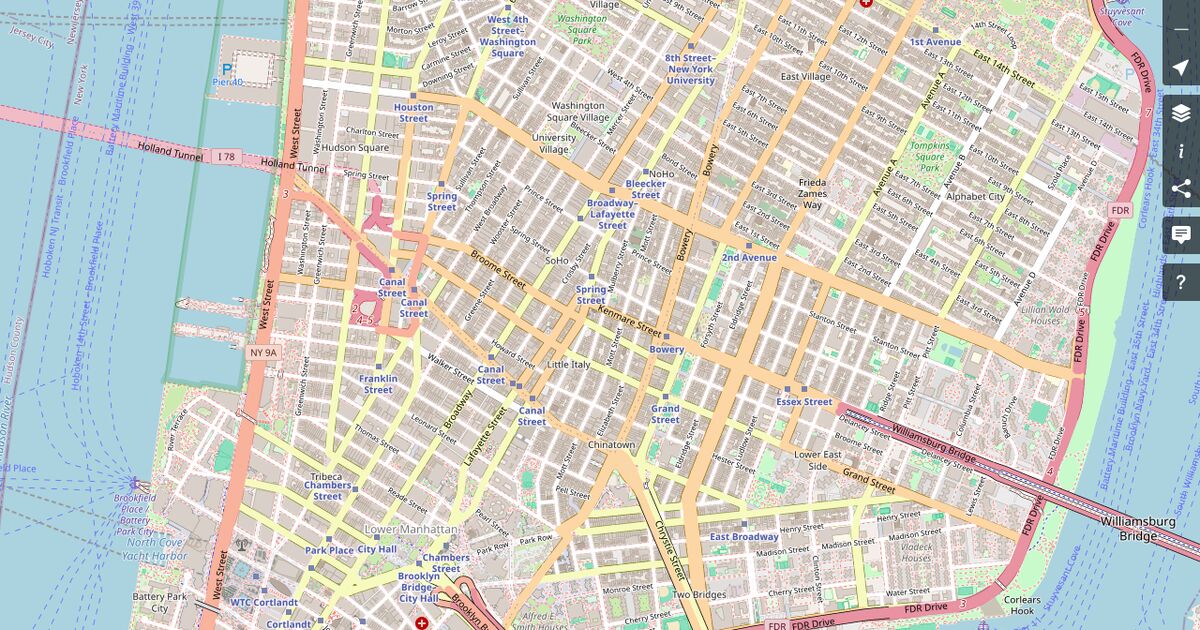
OpenStreetMap is a collaborative world map under an open licence. Tiles are rendered by providers such as CARTO and displayed in the browser through Leaflet, an open-source mapping library. Our OpenStreetMap store locator guide covers the licence, the attribution notice and the limits of the public tile servers.
What that changes for a store locator:
- No key, no cloud project, no billing account. The map renders the moment the app is installed.
- No per-view cost, ever. A traffic spike costs you nothing.
- Worldwide coverage. OpenStreetMap covers every country, so a locator built on it works the same in Lisbon and in Osaka.
- Address search included. The Nominatim service resolves a city or postal code to coordinates, which is all a locator search needs.
What you give up: Street View imagery, and Google's turn-by-turn navigation inside the map itself. Neither matters much here, because when a visitor taps "Directions" the route opens in their own map app, which is exactly what they wanted anyway.
So which one do you need?
Choose a Google Maps based locator if you already run a Google Cloud project, if you need Places autocomplete with Google's exact business database, or if your brand guidelines require the Google map style specifically.
Choose an OpenStreetMap based locator if you want a map that works five minutes after install, no billing to monitor, and no cost that grows with your traffic. For the job a store locator does, which is showing where your shops are and how far away they are, the two are functionally equivalent.
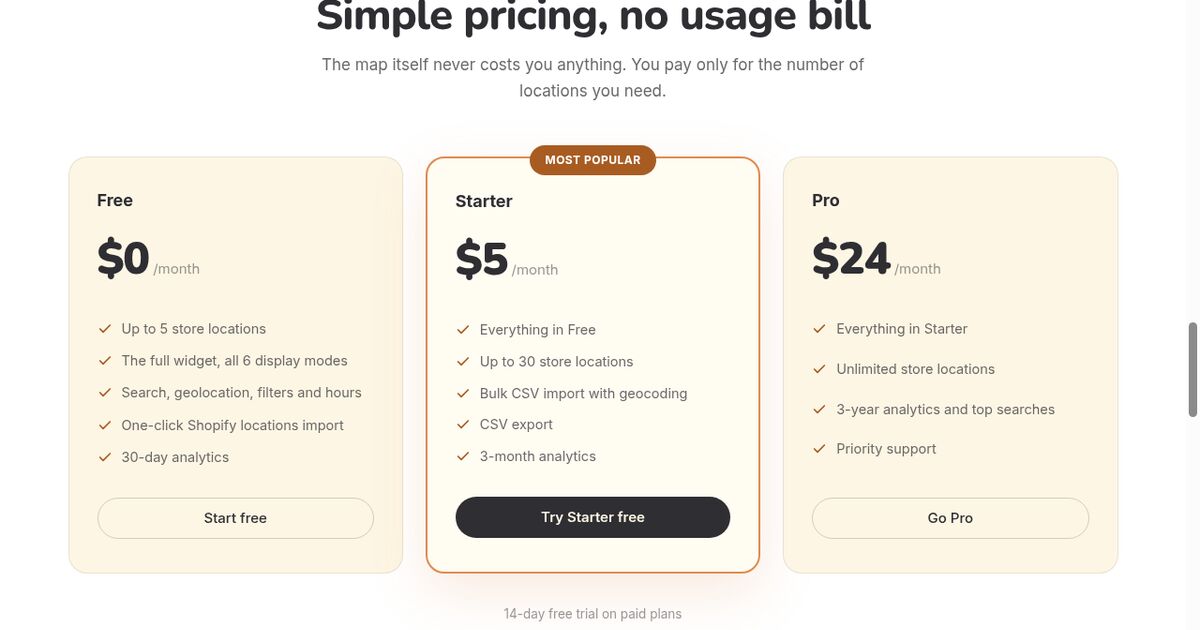
Locastore takes the second route: Leaflet and OpenStreetMap, no key to create, and the free plan covers up to five locations.
Frequently asked questions
Is Google Maps free for a store locator?
Google Maps Platform gives every billing account a recurring monthly credit, and map loads beyond it are billed per thousand. A small locator usually stays inside the credit, but you still need a billing account with a valid card before the first map ever renders.
What happens if someone steals my Google Maps API key?
An unrestricted key found in your page source can be used on any site, and the loads are charged to your account. Google lets you restrict a key by HTTP referrer, which is the fix, but it is a step many merchants never take.
Is OpenStreetMap as good as Google Maps for a store locator?
For showing pins, panning, zooming, searching an address and computing distances, yes. Google keeps an edge on street-level imagery and turn-by-turn navigation, which a store locator does not need since directions open in the visitor's own map app anyway.